 Search
  1-844-PUSHPAY

Long before a visitor steps through your church doors, there’s a good chance they’ve already “visited” you online. They’ve searched for a church in their city, clicked through a few options, and formed an impression within seconds.
Your church website is your welcome mat, your invitation to connection, and for many people, their very first encounter with your community. That’s why creating a church website that’s both beautiful and functional is more than a tech project. It’s ministry.
Here’s a step-by-step guide to help you build a stunning church website that reflects your mission, serves your members, and reaches your city.
Step 1: Clarify your mission and audience before you design
Before you even think about colors, templates, or website hosting, take a step back and ask:
- Who is this website for?
- What do we want them to feel and do when they visit?
Your answers might vary. Maybe your priority is welcoming first-time guests with clear service times and directions. Or maybe it’s giving current members an easy way to find events, give online, and watch sermons.
When you know your audience, you can build with intention, using copy and creative assets that speak directly to the people you’re trying to reach.
Step 2: Choose the right church website builder (and the right integrations)
The tool you choose to build your site will influence the design, features, and maintenance process. You have two main routes:
Dedicated website builders
Platforms like WordPress, Squarespace, or Wix are designed specifically for building websites. They give you drag-and-drop design tools, customizable templates, and hosting all in one place.
Church tech platforms that integrate with your website
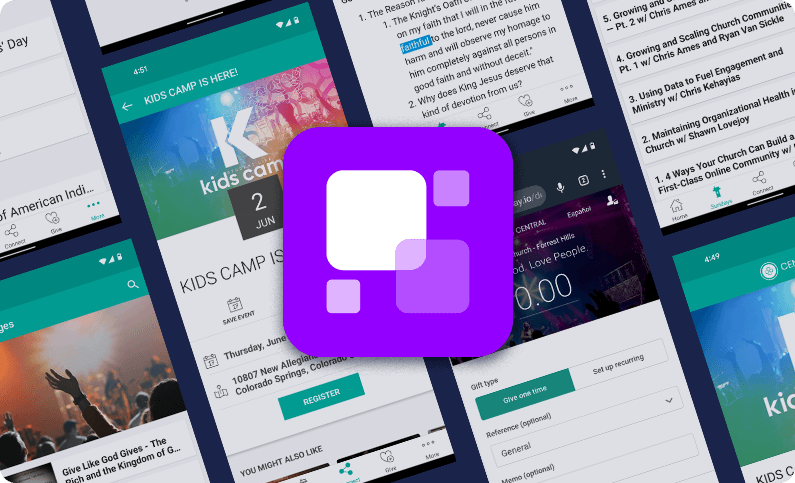
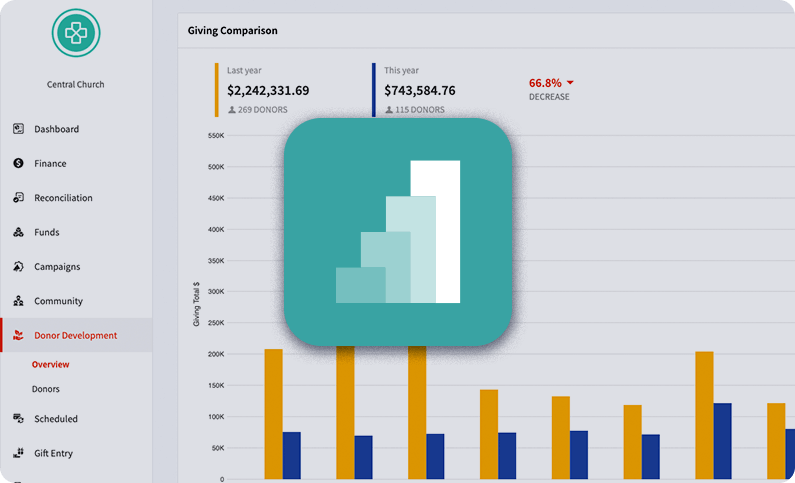
If you already have a church website—or you’re building one with a general website builder—you can extend its capabilities by connecting it with ministry-focused tools like Pushpay’s ChurchStaq®. While ChurchStaq isn’t a website builder itself, it integrates seamlessly with your existing site to add powerful features like:
- Online and recurring giving
- Event registration and volunteer sign-ups
- Sermon libraries and live streams
- Member connection tools through the church app and ChMS
The best approach? Choose a website builder that gives you flexibility, then connect it with a church tech platform that handles the ministry-specific features you need. That way, your site looks great and functions like a true digital hub for your congregation.
Step 3: Select a church website template that reflects your ministry
A good church website template should help you craft a site that is easy to navigate, loads quickly, is SEO-friendly, and is an evergreen style.
Choose a design that:
- Is customizable to your brand colors and logo
- Uses a layout that’s easy to navigate
- Feels welcoming, warm, and authentic
If your church is vibrant and energetic, pick bold colors and dynamic imagery. If it’s more traditional, choose clean lines and classic fonts. The right template makes it easy to customize without needing a degree in web design.