RESOURCE
Church Tech Check

Your church website is the front door visitors try first. It’s where new families look for service times, students sign up for a retreat, a neighbor submits a prayer request, and regulars send an offering after watching the sermon replay. If that front door loads slowly, breaks under traffic, or buries your giving button, ministry momentum stalls.
This guide is a practical playbook for church leaders who don’t live and breathe technology but care deeply about connection. We’ll unpack church web hosting and website builders in plain language, show you how local SEO brings neighbors to your door, and map out an online giving experience that’s fast, secure, and seamlessly connected to your church management tools.
Along the way, we’ll highlight how Pushpay’s platform ties the whole stack together—giving, ChMS, apps, and insights—so your digital front door is as welcoming as your lobby.
If you’ve searched for “best web hosting,” you’ve seen a wall of jargon: shared hosting, VPS hosting, dedicated server hosting, managed WordPress hosting, cloud hosting. Underneath the acronyms are a few church‑specific realities.
Sunday spikes are real. Easter, Christmas, a viral clip from your sermon—any of these can double or triple traffic. Your hosting plan needs headroom for peaks, not just average weekly visits. If you stream, archive messages, or host a media‑rich ministry website, ask the hosting provider about bandwidth limits, burst capacity, and whether a CDN (content delivery network) is included.
Speed and uptime shape trust. A fast, reliable hosting company with a strong SLA keeps pages and your church connect forms responsive. People don’t wait on a spinning wheel to tithe or register their kids.
Security isn’t optional. SSL certificates, routine patching, malware scanning, and automated backups are table stakes for any web hosting service. You’re collecting personal info through forms—protect it.
Sunday support matters. Check for 24/7 chat or phone support and response windows. You don’t need a host that emails you back on Monday.
Here’s how to translate the main hosting options:
Plenty of vendors can meet church needs—your shortlist might include long‑standing names you’ve heard from peers, like A2 Hosting. The “best web hosting” isn’t a single brand so much as a fit for your team’s skills, budget, and growth curve. Use the criteria above to evaluate any web hosting company before you commit to a hosting solution.
Pro tip: if your church website builder offers hosting as part of the package, ask where it’s hosted and how they handle backups.
There are two solid paths to a great church website:
What about a church website builder focused on ministry? These can accelerate launches with church‑specific layouts, but make sure you can customize, export your content, and integrate your preferred giving platform and ChMS.
However you build, your online giving shouldn’t be locked to a single CMS. Pushpay integrates with any website, so your giving experience stays consistent as you evolve your web stack.
Good news: you don’t need to take an SEO masterclass to improve local visibility. You need consistent basics and content that serves people in your city.
Think like a neighbor: if someone searches “church near me” at 9:30 a.m. Sunday, will your church website load fast on a phone, show today’s service times, and make it obvious how to plan a visit?
A delightful giving experience isn’t a luxury; it’s discipleship infrastructure. Here’s what it looks like when it’s done right.
Frictionless on every device
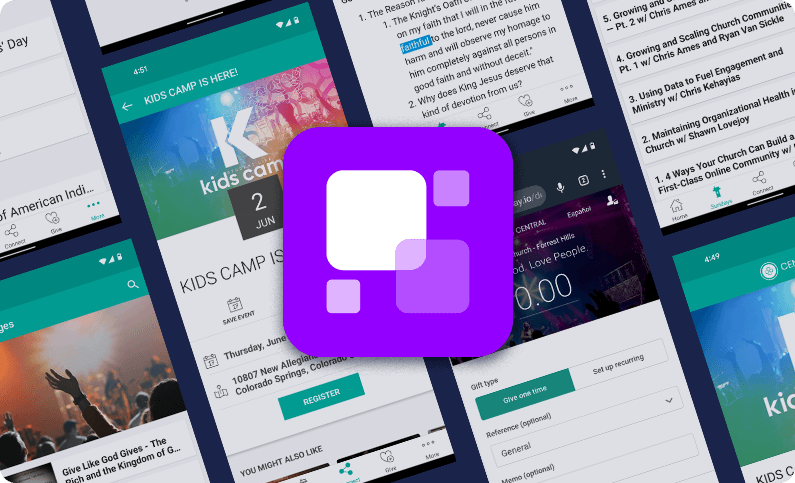
Make giving a three‑second decision, not a three‑minute chore. Pushpay’s giving flow is designed for speed on web and in your app, with one‑time and recurring giving, and the ability to brand the experience to your church. Churches using Pushpay see on average a 65% increase in digital giving after adoption, a reflection of simplicity meeting generosity.
Multiple ways to give, one system of record
People give in different ways. With Pushpay, donors can give via credit or debit card, ACH, and Apple Pay, tap-to-give, as well as through text giving and QR codes—while your team still tracks checks, cash, and even non‑cash gifts in one place.
Modern payment options
If your finance team receives stock and cryptocurrency gifts, Pushpay partners with Engiven so those donations are simple for the donor and land as dollars in your account.
Guest giving and accessibility
Not everyone wants an account. Guest giving lets people contribute without creating one, while still providing required receipts. Your giving experience can also be offered in Spanish when your organization enables it.
Receipts and IRS‑compliant statements
Your team can generate contribution statements that meet IRS requirements and deliver them digitally, so members can access their giving history and statements online.
Recovery, reliability, and growth
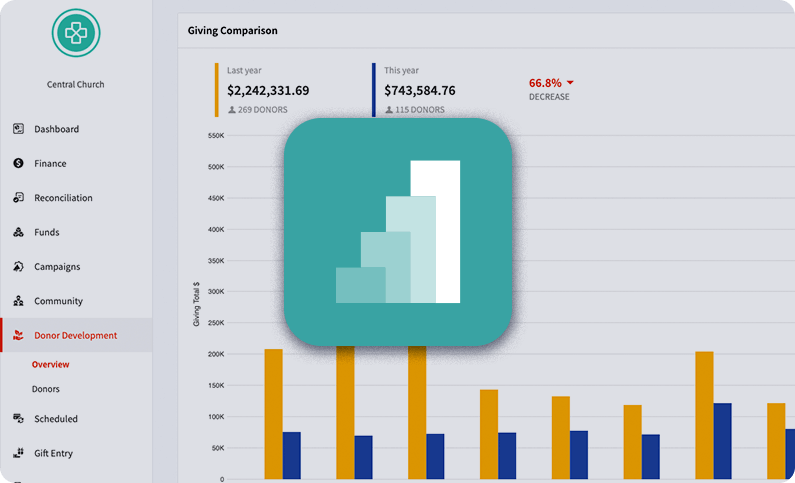
Pushpay’s Everygift® features quietly protect generosity behind the scenes—recovering failed payments, queuing gifts if a payment gateway is down, and encouraging recurring giving with thoughtful prompts. Pair giving with Pushpay Insights to understand trends, see at‑risk or lapsed givers, and make timely follow‑ups.
Tied to your church management software
When giving, ChMS, and your app are unified—like in ChurchStaq—people and contributions flow together, creating a complete picture of engagement that leaders can act on.
For Catholic parishes and dioceses
ParishStaq extends the same simplicity to the parish context: envelope integration, multi‑language tools, parishioner profiles, and pledge tracking for campaigns, so stewardship is simple for parishioners and administrators alike.
Churches that adopted modern giving during and after the pandemic didn’t just maintain generosity—they grew it, shifting most contributions online and doubling households giving in some cases. Stories from churches like First Orlando and Carmel Church underscore how the right stack fuels both impact and insight.

Small team, single campus
Growing, multi‑service or multi‑site church
Catholic parish or diocese
Your website, hosting, SEO, and online giving all work together. When pages load quickly, the Give button is obvious, forms connect to your ChMS, prayer requests route to care, and statements arrive on time, your technology fades into the background and people shine. That’s the point—building tech that connects people and serves your church’s mission.
What’s the difference between shared hosting, VPS hosting, and cloud hosting for a church website?
Shared hosting is the lowest price but shares resources with other sites, which can slow down during busy times. VPS hosting dedicates a slice of server resources to you, improving stability and speed. Cloud hosting scales up and down with traffic, ideal for churches with sermon archives and big holiday spikes. Any of these can work—pick the hosting plan that fits your budget, skills, and growth.
Is managed WordPress hosting worth it for a ministry website?
If you’re using WordPress hosting, a managed plan is usually worth it. You get automatic updates, built‑in caching, and security hardening, so your team spends more time on content and less on maintenance.
We use a website builder. Can we still plug in Pushpay giving and our church management software?
Yes. Pushpay’s giving and ChMS integrate with any website and most church apps, so your online giving, groups, events, and forms line up behind the scenes without locking you to a single CMS.
What makes a church website “SEO‑friendly” in the real world?
Fast pages, mobile‑friendly layouts, clear navigation, unique campus pages with directions, and consistent NAP details. Publishing sermons, events, and prayer request forms supports the keywords people actually search and gives Google fresh, local content to index. Pushpay’s communications tools help you collect open responses and prayer needs online to fuel pastoral follow‑up and engagement.
How fast should the giving experience be?
As fast as possible—ideally a few seconds from intent to confirmation on any device. Pushpay is designed for a “three‑second online giving” experience on web and in your church app, reducing friction for both first‑time and recurring donors.
Which payment methods can we accept with Pushpay?
Donors can give via credit or debit cards (Visa, Mastercard, Amex, Discover), ACH, and Apple Pay. Your team can also track cash and check gifts, so everything lands in one system for statements and reporting.
Can people give without creating an account?
Yes. Guest giving lets someone donate without setting up an account, while still receiving a legally required receipt. It’s a helpful option for visitors and special events.
What about stock or crypto donations?
Pushpay partners with Engiven, allowing donors to give stock or cryptocurrency while your organization receives the funds in dollars. The workflow is straightforward for both the donor and your staff.
How do processing fees work, and can donors cover them?
Digital gifts include processing fees that vary by payment method. Many organizations enable an option for donors to help offset those fees during the giving experience. ACH is typically the lowest‑cost method, followed by debit and credit.
Are digital giving statements accepted for taxes?
Yes. Pushpay enables U.S. churches to generate IRS‑compliant contribution statements and deliver them electronically, so members can access them online or in your app.
We’re a Catholic parish. Do we need separate tools for envelopes and online?
No. ParishStaq integrates with National Church Solutions for envelopes and offers English and Spanish web giving, all connected to your parishioner profiles. You can also manage pledge campaigns and monitor progress from one dashboard.
Can our website or app collect prayer requests and send targeted communications?
Yes. With Pushpay’s communication tools, you can offer open response forms for prayer requests, send group texts and rich push notifications, and track engagement—backed by strong deliverability.
Do we need a “Christian web host,” or just a reliable hosting company?
What matters most is reliability, security, and support. If a specialty Christian web host meets those standards and your budget, great. Many churches succeed on mainstream hosts too. Prioritize uptime, speed, and Sunday support.
How do Pushpay’s tools help beyond accepting donations?
Pushpay’s ChurchStaq and ParishStaq unify giving, church management software, and mobile apps. You’ll track generosity, attendance, serving, events, and more—then use Pushpay Insights to spot trends and reconnect with people before they slip through the cracks. Case studies show churches growing digital giving, improving follow‑ups, and deepening engagement with this unified approach.